45-second walkthrough for TradingView price alerts: right-click price, choose Add Alert, pick delivery. Mobile push is free; webhooks and SMS need Premium.
To set a price alert on TradingView, right-click on the chart at the price level you want, choose Add Alert, set the condition (Crossing, Greater Than, Less Than), pick delivery channels (popup, sound, email, SMS, mobile push, or webhook), and click Create. The alert is evaluated server-side and fires even when your desktop app is closed.
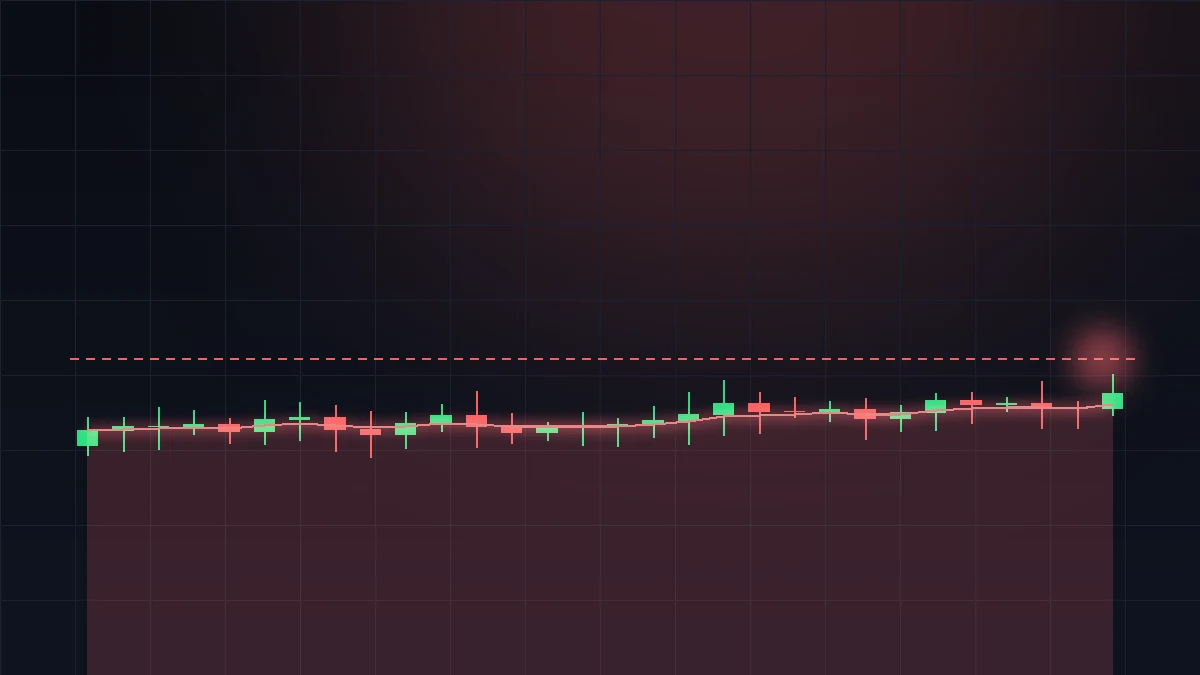
TradingView's alert engine evaluates every active alert on every tick, server-side. That means your alert fires the moment its condition is met — whether you are at your desk, asleep, or on the train. Notification arrives via the channels you enabled. Mobile push (free on every plan) lands within 1-2 seconds; email is typically delivered inside 5 seconds; SMS (Premium+) arrives within 10 seconds.
| Channel | Plan required | Typical latency | Best for |
|---|---|---|---|
| In-app pop-up | Free | Instant (if app open) | Active traders watching the chart |
| In-app sound | Free | Instant (if app open) | Audible confirmation |
| Mobile push | Free (TradingView mobile app required) | 1-2 seconds | Away-from-desk traders |
| Free | ~5 seconds | Slower / archival alerts | |
| SMS | Premium ($59.95/mo+) | ~10 seconds | Phone-only fallback |
| Webhook | Premium ($59.95/mo+) | 1-2 seconds | Bots, Discord/Slack, auto-execution |
| Browser push | Free | 1-3 seconds | Chrome/Edge desktop users |
Mobile push is the most reliable free option. Make sure the TradingView mobile app has push permissions enabled in the OS settings, and that you are signed in to the same account on phone and desktop.
| Plan | Active alerts | Webhook alerts | SMS |
|---|---|---|---|
| Free | 1 | No | No |
| Essential | 20 | No | No |
| Plus | 100 | No | No |
| Premium | 400 | Yes | Yes |
| Ultimate | 400 | Yes | Yes |
The limit is on active alerts. When an alert fires with Only Once expiry, it moves to history and the slot frees up immediately. Premium's 400-alert ceiling covers serious multi-symbol workflows; you only need Ultimate for the second-tick precision, not the alert count.
If you hit the active-alert cap, the most common remedy is to consolidate. A single alert on a custom Pine Script condition can replace several separate price alerts — for example, "price crosses any of the three nearest support levels" is one alert instead of three. Bulk-pausing is also available in the Alerts panel: select multiple alerts and use the toggle at the top to disable them for the week without losing the conditions.
Hover any indicator's plot until you see a small bell icon, then click it — the alert dialog opens with the indicator already selected as the condition source. The available conditions adapt to the indicator: RSI gives you Crossing 70, Crossing 30, Entering Overbought, Exiting Oversold; MACD gives you Crossing Signal Line, Crossing Zero; Bollinger Bands gives you Crossing Upper/Lower Band; moving averages give you Price Crossing MA. You can also right-click the indicator and choose Add Alert for the same dialog.
Indicator alerts are the highest-leverage TradingView feature for swing traders. Set RSI Crossing 30 on the daily for every symbol on your watchlist, enable mobile push, and you receive a buy-zone notification the moment one fires — no need to scan charts manually.
Three causes account for almost every missed alert. Expiration: the default expiry is 1 month from creation; check the Alerts panel and look for greyed-out alerts. Right-click → Edit → set a new expiry. One-time fired: if you used Only Once and the condition triggered, the alert moved to history. Check the Alert History tab. Session filter: if Trigger Only During Session is enabled, the alert ignores condition matches outside your session hours — this is the most common silent miss for forex traders watching news spikes.
Less common: the alert was paused (bell icon greyed), or you exceeded the plan's active-alert cap when creating it (TradingView refuses the create — check for the red error toast).
TradingView's alert engine evaluates server-side, so alerts fire whether your desktop app is open or your PC is asleep. The fastest way to create one is to right-click the chart at the target price, choose Add Alert, set the condition (Crossing is the default), pick delivery channels (mobile push and email are free on every plan, SMS and webhook need Premium), then click Create. Free accounts get one active alert; Essential gets twenty, Plus a hundred, Premium and Ultimate four hundred. Indicator alerts — RSI Crossing 30, MACD Crossing Zero, price Crossing a moving average — are set the same way: hover the indicator's plot until a small bell icon appears, click it, and the alert dialog opens with the indicator pre-wired as the source. Missed alerts almost always trace to one of three causes: the alert expired, it already fired with Only Once expiry, or Trigger Only During Session is silently filtering it.
Right-click chart at price, Add Alert, set condition + delivery, Create. Fires server-side.
Yes — TradingView evaluates alerts server-side. Delivery via push, email, SMS, or webhook regardless of local state.
Free: 1. Essential: 20. Plus: 100. Premium / Ultimate: 400.
Yes — install the mobile app, enable push (free). SMS requires Premium.
Yes. Click the bell icon that appears when hovering the indicator plot, or right-click → Add Alert.
Expired, Only-Once already triggered, or Trigger-Only-During-Session is on.
Yes on Premium+. Paste a webhook URL in the alert dialog; TradingView posts JSON on fire.
Alerts panel (Alt+Shift+A) → right-click → Edit / Pause / Remove.