Home › Is TradingView Free
Direct answer

Is TradingView Free?

TradingView is free to download and use. The desktop app for Windows, the web platform, and the mobile apps all run on a single free account. Paid plans are optional.

What is included in the TradingView free plan?

Yes — TradingView is free. The TradingView desktop app for Windows and the TradingView web platform are both free to download and use with a free account. The free plan includes one chart, three indicators, one saved layout, watchlists, basic alerts, and standard intervals. Paid plans (Essential, Plus, Premium, Ultimate) add more indicators per chart, second-based intervals, multiple layouts, and ad-free charts — but they are optional and you can use TradingView indefinitely on the free tier.
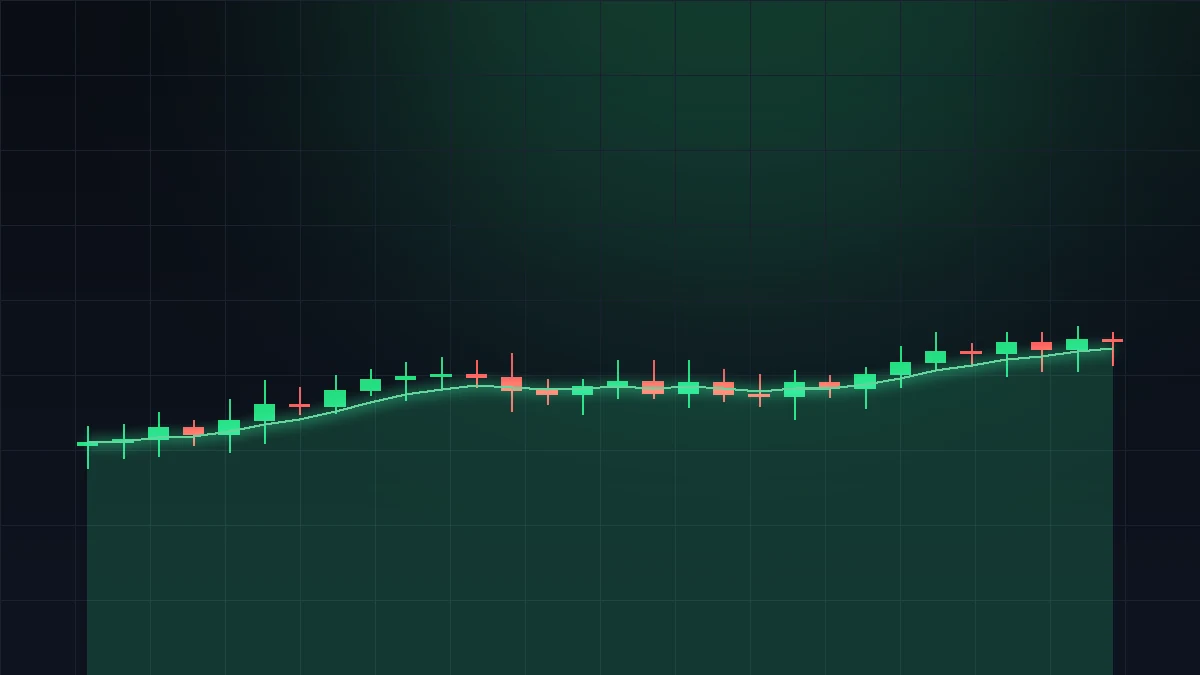
Is TradingView free — chart showing the free TradingView desktop app for Windows
The free TradingView desktop app on Windows — one chart, three indicators, full Pine Script editor.

The free tier covers the core charting workflow that most retail traders actually use. You get the same chart engine, the same data feeds (delayed for US stocks, real-time for crypto and forex), the same drawing tools, and the same Pine Script editor that paid users get. The limits are quantity-based: one chart at a time, three indicators on it, one saved layout. If those numbers are enough for your workflow, the free plan is genuinely all you need — there is no time limit and no forced upgrade.

Free TradingView features in detail

The desktop app on Windows ships with the same feature set — there is no "free" vs "paid" version of the desktop client itself. Your free account works identically on web, desktop, and mobile.

TradingView plan comparison — free vs paid (2026)

FeatureFreeEssentialPlusPremiumUltimate
Price (monthly, billed annually)$0$14.95$29.95$59.95$199.95
Indicators per chart35102525
Saved chart layouts15101010
Charts per layout12488
Alerts120100400400
Second-based intervalsNoNoNoYesYes (tick precision)
Custom timeframesNoNoYesYesYes
Ad-freeNoYesYesYesYes
Priority supportNoNoNoYesYes

Prices are TradingView's published monthly rates as of May 2026, billed annually. Monthly billing is roughly 30% more. See tradingview.com/pricing for current numbers.

When does the free TradingView plan stop being enough?

For most retail traders watching a handful of symbols, the free plan is genuinely sufficient. You hit a wall in three specific cases. Multiple-symbol traders who need 2+ charts side-by-side will outgrow the 1-chart limit on day one — Essential ($14.95/mo) jumps to 2 charts and 5 layouts. System traders running more than 3 indicators on the same chart need Plus ($29.95/mo) for 10 indicators, or Premium ($59.95/mo) for 25 indicators. Day traders and scalpers who want 5s/10s/15s/30s intervals need Premium — second-based timeframes are only on Premium and Ultimate.

Everyone else can stay on the free tier indefinitely. The free plan does not expire, does not force an upgrade, and gets the same chart engine as paid users.

Is real-time market data free on TradingView?

It depends on the asset class. Crypto and forex are real-time on every plan, including free. US stocks are 15-minute delayed by default on every plan — to get real-time US stock data you either connect a funded US brokerage account (Interactive Brokers, Tradier, TradeStation, Schwab, etc. — free) or subscribe to a per-exchange data feed via TradingView (CBOE One $2/mo, NASDAQ TotalView ~$25/mo retail). The 15-minute delay is a stock-exchange rule, not a TradingView paywall: every charting platform faces the same constraint.

If you actively day trade US stocks, the cheapest real-time path is to connect a broker — most TradingView users do this and never pay TradingView for exchange data.

Bottom line

TradingView is free. The Windows desktop app, the web platform, and the mobile apps all run on a free account that never expires. The free plan gives you one chart, three indicators, one saved layout, basic alerts, watchlists, paper trading, and access to 100+ broker integrations — enough for most retail traders. Paid plans ($14.95 to $199.95 per month, billed annually) add more indicators per chart, more saved layouts, second-based intervals, server-side alerts, and ad-free use. Real-time US stock data is the one common cost: it is 15-minute delayed on every TradingView plan by default, and the cheapest way to remove the delay is to connect a funded US broker account, which is free.

Common questions

Is TradingView completely free?

Yes — TradingView is free with a free account. The free plan includes 1 chart, 3 indicators per chart, 1 saved layout, watchlists, basic alerts, and standard intervals (1m, 5m, 15m, 1h, 4h, 1D).

Is the TradingView desktop app free?

Yes. The desktop app for Windows is free to download and runs on your free TradingView account. There is no separate fee for the desktop client.

How much does TradingView cost?

$14.95 (Essential), $29.95 (Plus), $59.95 (Premium), or $199.95 (Ultimate) per month, billed annually. Free tier is $0.

What's included in the TradingView free plan?

1 chart, 3 indicators, 1 layout, 1 alert, watchlists, paper trading, broker integration, the full Pine Script editor, and standard intervals (1m+).

Is there a free trial of TradingView Premium?

Yes — TradingView offers a 30-day Premium trial for new accounts. Requires a payment method; auto-converts to paid unless cancelled.

Can I use TradingView free forever?

Yes. The free plan has no expiry. Many traders use it indefinitely.

Is real-time US stock data free?

Not by default — US stocks are 15-min delayed. Connect a funded US broker (free) or pay for CBOE One ($2/mo) for real-time.

Are crypto and forex real-time free on TradingView?

Yes. Crypto and forex data stream in real-time on every plan including free.

Related

Try TradingView free

Download the desktop app and run it on the free plan — no payment method required.

Download for Windows
Affiliate disclosure: Authorized TradingView affiliate. Download links on this site refer visitors to the official TradingView desktop page at tradingview.com. We may earn a commission if you sign up for a paid TradingView plan after using a link from this site. This site is not the official TradingView website. Nothing on this page is financial advice.